
Configuring Your Control Panel Settings

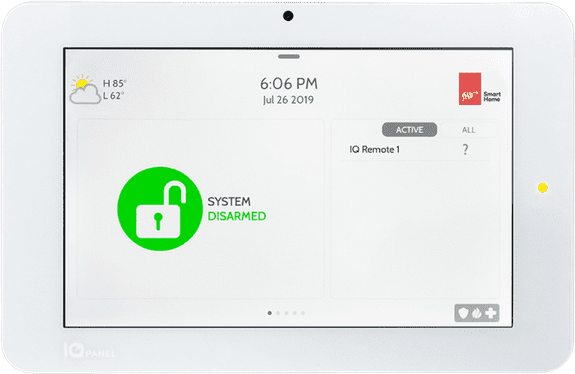
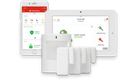
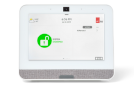
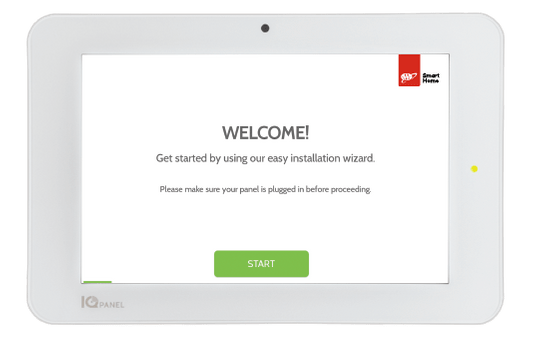
Once you’ve installed your security equipment, go to your control panel and run the on-screen setup wizard, where you’ll connect to WiFi, run a system test, enable bluetooth, and add users.

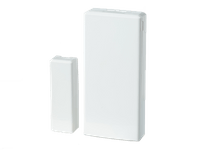
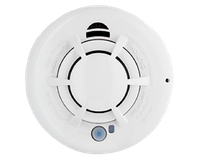
Since your security devices have already been connected to your panel, you can skip any screens for entering your sensors.

During this process, you’ll be asked to enter your master code. Your default code is 1234. But for security purposes, you should change your code once your install is complete.
Enabling Bluetooth devices

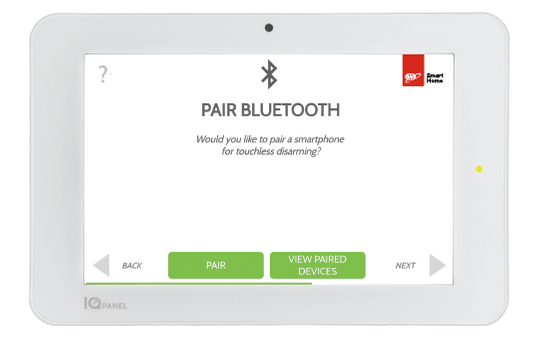
By connecting your smartphone to your system using Bluetooth, you can trigger touchless disarming of your panel when your phone comes within range.
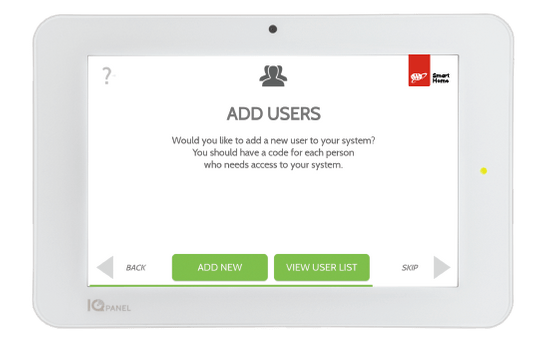
Adding Users

You can add 200+ unique users, each with a custom name and level of access.

  • Master: Can access panel functions, camra, and system settings
  • User: Can access panel functions, camera, but NOT system settings
  • Guest: Can arm and disarm, but only until an expiration date that you set

Next: Testing your system & activating monitoring

Get a Free Quote

Fill out this form and our sales team will call you shortly. If you prefer, call us (844) 669-2221

Are you a AAA Member?
By providing us with a telephone number and email, you expressly consent to receiving calls, texts and emails made from A3 Smart Home LP, and any of its parents, subsidiaries, to provide you with a quote and additional information regarding home security or smart home offers. Calls and texts may incur fees from your mobile services provider.

Failed to submit form. Please try again later or call us at (844) 207-7260.

Thank you !

Your submission was successful. We’ll be in touch shortly. If you need immediate assistance, please call (844) 207-7260

Get started protecting your home today!
*By providing us with a telephone number and email, you expressly consent to receiving calls, texts and emails made from A3 Smart Home LP, and any of its parents, subsidiaries, to provide you with a quote and additional information regarding home security or smart home offers. Calls and texts may incur fees from your mobile services provider.
This field is required
This field is required Invalid phone number
This field is required Invalid email address